OBS Guides is an independent guide to OBS Studio for people who record or stream and need the result to match what they set up. I'm Ryan Parker, and I write it around one question: where does each source go between the preview and the final recording or stream? The preview tells only part of the story, because a stream can look fine while the microphone is going to the wrong track.
What the guides cover
- Setup, platforms and updates: updating OBS on Windows, Mac, Steam, Flatpak or the Ubuntu PPA, backing up profiles and scenes first and going back to an older version.
- Recording and Replay Buffer: where OBS saves recordings on each system and how to change the folder, plus the Replay Buffer, its Save Replay hotkey and the clips it writes.
- Streaming and overlays: choosing between Streamlabs Desktop and OBS Studio, adding Twitch chat as a Browser source and sending one stream to several platforms with a multistream plugin.
- Capture sources: connecting a capture card, turning off console HDCP for gameplay, bringing the card's sound into OBS and fixing a missing or black source.
- Cameras and Virtual Camera: sending an OBS scene into Discord through Virtual Camera or an OBS projector with Go Live, and choosing how its sound reaches the call.
- Audio: one route per sound, device levels before the mixer, filters chosen by the defect you hear and separate tracks for the full mix and each source.
- Troubleshooting: reading the Stream row to tell network drops from encoding and rendering lag, then fixing each one at its own stage.
How I write an OBS guide
A useful troubleshooting guide names the failing stage and the information you need to check it. I keep capture, rendering, encoding and transmission apart in every guide, because rendering lag, encoding lag and dropped network frames each point to a different investigation. Each OBS option stays attached to a part of the setup you can recognize, so you know what a setting is for before you change it.
OBS logs and the OBS Project's knowledge base are my references. They give a decision something more concrete than a popular preset. Encoder advice depends on the computer and on where the stream is going, so I'd rather explain the limit behind a recommendation than hand out one set of values for every machine.
About Ryan Parker
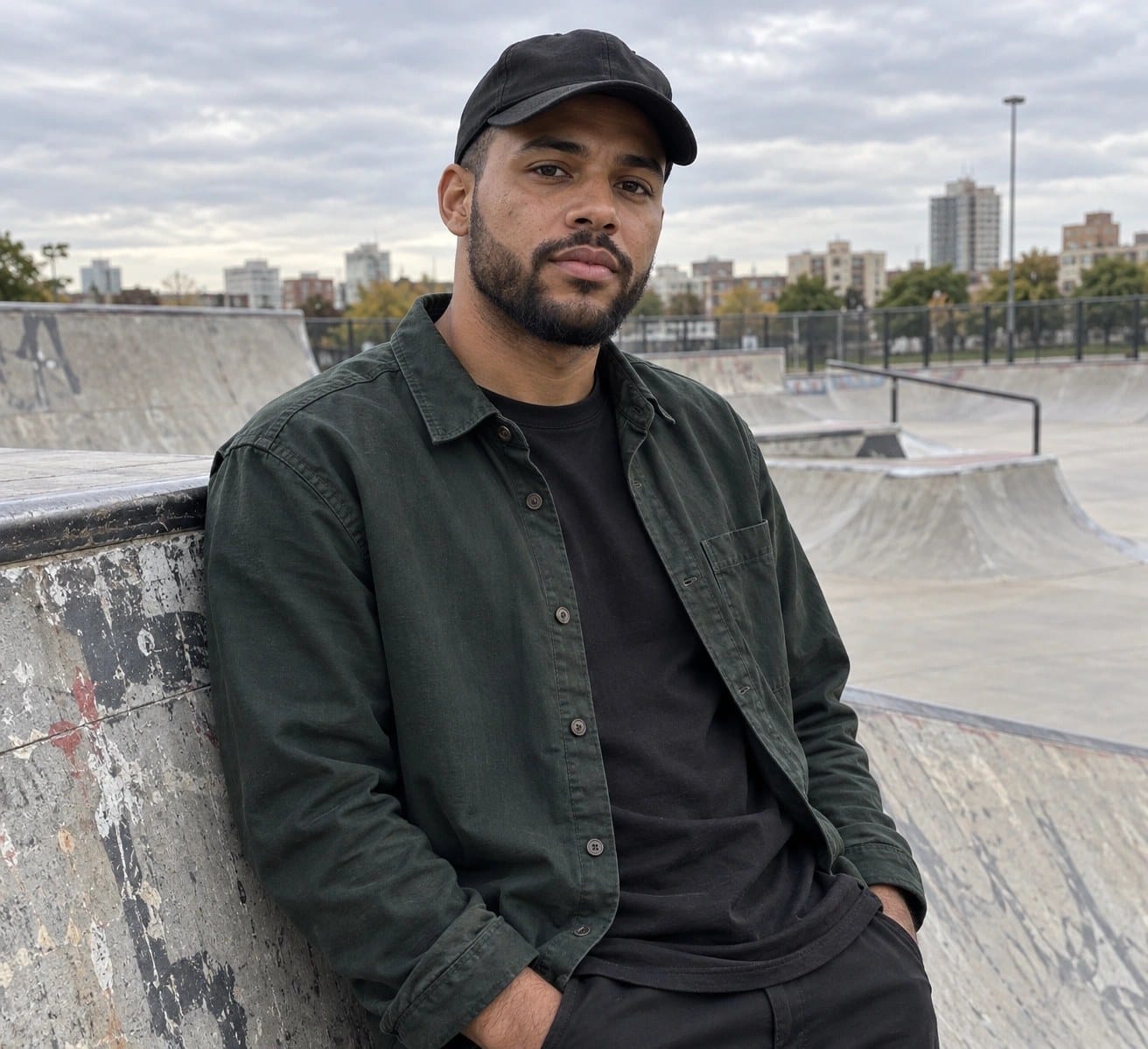
My role here covers scenes and nested sources, audio routing and monitoring, encoder and recording settings, and troubleshooting dropped frames and capture. A microphone can reach the wrong track, a capture source can disappear behind another scene item, and a healthy-looking preview can hide an encoding problem; the guides make those connections explicit.
The reader I have in mind might be making a straightforward desktop recording or running a live broadcast. Either way, I prefer a setup whose behavior is easy to explain, so you can recover from a muted microphone or an interrupted stream without rebuilding the whole scene collection.
OBS Guides is an independent guide and is not affiliated with the OBS Project. OBS and OBS Studio are registered trademarks of Wizards of OBS LLC.