Plugins
Check OBS's built-in sources and filters first, then match a plugin package to your OBS version, operating system and architecture. Windows, Mac and Linux installs, Plugin Manager checks and clean removal are covered. I'd choose the maintainer's supported installer, because it places the binary, data and dependencies together.
All guides in this topic
-
Plugins
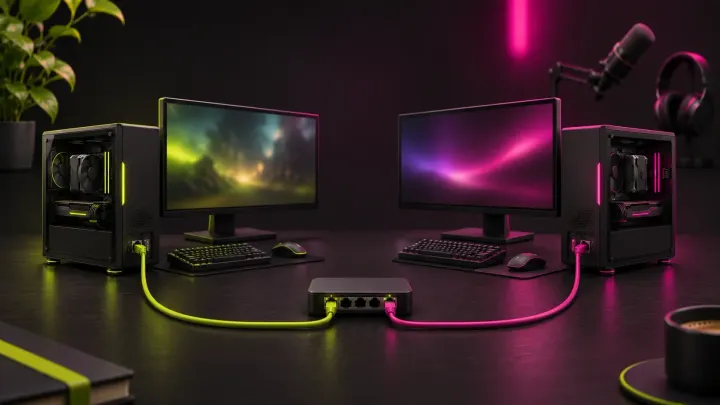
OBS Teleport setup for two computers
Follow the picture from Teleport sender to the receiving file, with discovery, manual IP, audio routing and rollback kept separate.
-
Plugins
OBS plugins for recording, scenes, audio and streaming
Pick an OBS plugin for the missing job, verify its picture and sound at the output, and keep a recovery route if it fails to load.
-
Plugins
How to install OBS plugins on Windows, Mac and Linux
Match the plugin to the OBS copy you run, choose an installer, supported manual package or Flatpak add-on, then check its feature and log before relying on it.