OBS Studio 32.2 replaced the add-source dropdown with a new dialog, added an SDR-to-HDR compose filter and brought dynamic bitrate support to multitrack video. The 32.2.2 hotfix corrected a Windows plugin-loading problem after updates. It also blocked macOS 12. Use 32.1.2 on Monterey. The later OBS 33 release line is available from the official downloads for your platform.
I'd check the operating system and plugin builds before accepting an update, because a changed source window is a small adjustment compared with an app that cannot launch or a source supplied by an incompatible plugin. Those checks decide whether the update can preserve your sources.
Read the release dates alongside their fixes
The official release entries give these dates in UTC. A hotfix's named trigger matters: fixing one post-update loading problem doesn't establish that every capture or plugin failure has the same cause.
| Release | Date | What changes for the reader |
|---|---|---|
| 32.2.0 | July 21, 2026 | New add-source dialog, SDR-to-HDR composition filter and multitrack-video dynamic bitrate. Check the NVENC driver and Mac compatibility conditions below. |
| 32.2.1 | July 24, 2026 | Fixes Game Capture failing after an update when the previous capture hook was still in use. |
| 32.2.2 | August 14, 2026 | Fixes plugins not loading properly on the first start after updating OBS on Windows. Blocks launch on macOS 12. |
| 33.0.0 | October 23, 2026 | Major release: browser-framework and plugin-loading changes, plus removal of native Ubuntu 24.04 support. |
| 33.0.1 | October 29, 2026 | Repairs Flatpak plugin loading and several startup, streaming and browser-panel failures. |
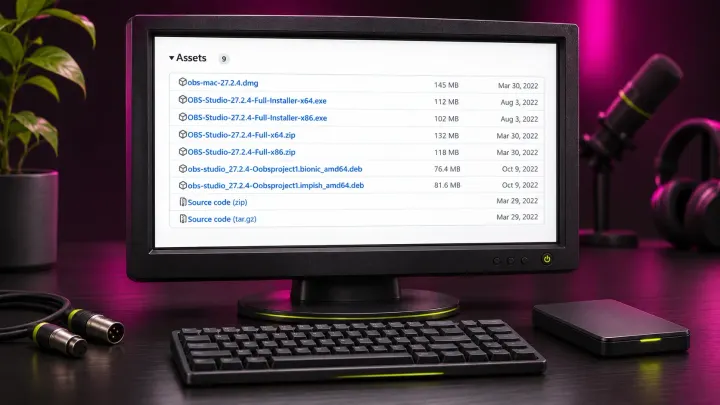
| 33.0.3 | November 22, 2026 | Official build assets include Windows, macOS and Ubuntu 26.04. Package channels can carry different patch versions. |
The source chooser changed; your source still needs the right input

In 32.2, click + in the Sources dock to open the new dialog. The official welcome page describes preview thumbnails in that new window. The next step is still to select the correct window, device or other input in the source's properties.
Keep those two decisions separate. First choose the kind of source that can supply the picture. Then select its input and look at the OBS preview. A source can exist in the scene while still pointing at the wrong window or camera.
The scenes and sources guide follows that route through adding a source, arranging its layer and checking what reaches the scene. A changed chooser is not a reason to rebuild a working scene collection.
Check these limits before moving to 32.2 or later
macOS 12 needs 32.1.2
Changes to Qt in 32.2.x make that branch fail to launch on macOS 12. Version 32.2.2 adds an explicit block; it isn't a Monterey compatibility fix. Going back only to 32.2.0 or 32.2.1 doesn't resolve that boundary.
The official macOS compatibility table and the release warning direct Monterey users to OBS Studio 32.1.2. That build remains compatible with Monterey but is no longer supported. The OBS 33 downloads require macOS 13 or newer. If you plan to stay on Monterey, choose the Intel or Apple Silicon installer from the official 32.1.2 archive for your Mac.
NVIDIA NVENC needs driver 570 or later in the 32.2 branch
With 32.2, the release notes raise the NVIDIA SDK to version 13 and state a minimum supported driver version of 570. If NVENC stops working after the update, check the installed NVIDIA driver against that requirement before changing the recording bitrate or rebuilding sources.
The driver requirement concerns NVENC. A computer using another encoder has different requirements, and each NVIDIA GPU still has its own encoding capabilities.
An Intel OBS installation on Apple Silicon changes architecture
The 32.2 notes say that an Intel OBS build running on an Apple Silicon Mac automatically updates to the Apple Silicon build. Third-party Intel plugins then need replacement with Apple Silicon versions before they can load.
Check each essential plugin's maintained native build before updating that setup. An Intel Mac is a different case: this migration describes the application running through the Intel compatibility route on Apple Silicon hardware.
Which other 32.2 changes affect an existing scene?
The full 32.2 feature list reaches several parts of an existing production:
- Source assets: adding a directory to Image Slide Show now includes WebP files. Missing-file support was also added for filters.
- Picture composition: the SDR-to-HDR compose filter adds a tool for an HDR production. Its presence doesn't turn every ordinary SDR recording into an HDR workflow.
- Audio routing: the new mixer handles Mute and Monitor independently. The redundant Monitor Only control was removed from Advanced Audio Properties, so an older monitoring recipe may describe a different interface.
- Output: 32.2 adds dynamic bitrate for multitrack video. The 32.2 release notes limit the manual multitrack video settings to the Custom service. Check the destination’s multitrack support before using it.
- Selection controls: the FPS selector received usability changes. Check the frame rate you intend to produce instead of assuming a changed selector means the output target changed.
The notes also describe fixes for specific display-capture, Virtual Camera and device-reconnection failures. Use the symptom and version to decide whether a fix applies; the existence of a patch doesn't identify the cause of a different black preview or silent file.
OBS 33 changes browser sources and plugin loading
OBS 33.0.0 has shipped. Its browser framework moves from CEF 127/6533 to 150/7871, and plugin loading uses a new layout. The stable notes say that OBS continues to check legacy plugin locations until OBS 34.0. Check each required plugin’s supported OBS versions before updating.
Flatpak plugin extension points are now versioned. Native Ubuntu 24.04 support is removed. Those are packaging and compatibility changes to check before treating a 32.2-to-33 update as merely another patch. Browser sources and any indispensable third-party sources deserve a place in the rehearsal.
After an OBS 33 update, open Tools > Plugin Manager and check Installed for the plugin you rely on. The Legacy badge identifies its installation location. Reopen your scene and check that the plugin’s source or filter works.

Save the working setup, then check the affected path
- Export the working profile from the Profile menu. Keep the export private because it contains service settings along with output settings.
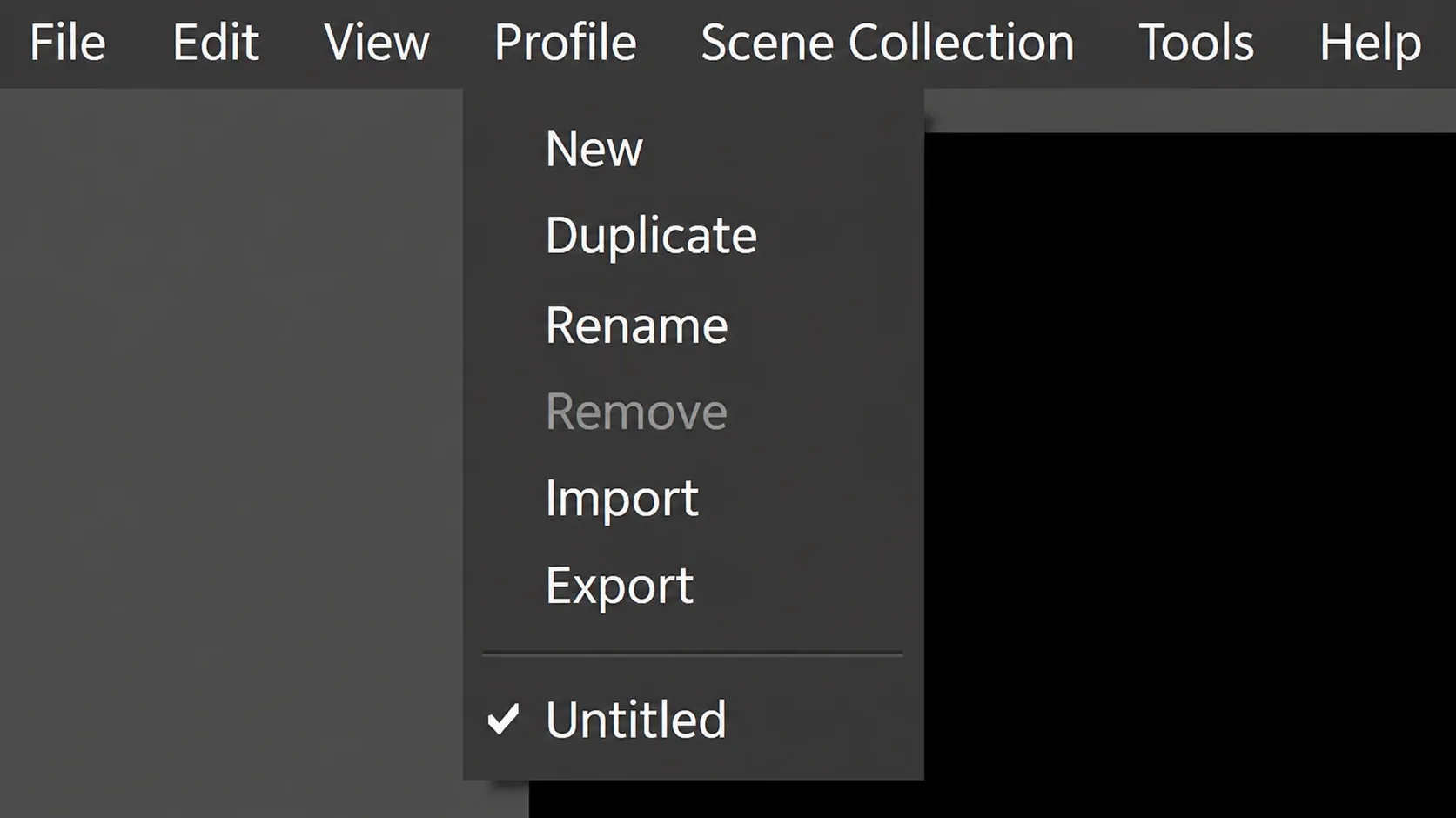
Export the profile to preserve the active output and service settings. - Export the scene from the Scene Collection menu. Keep the collection and any images or media files it uses.
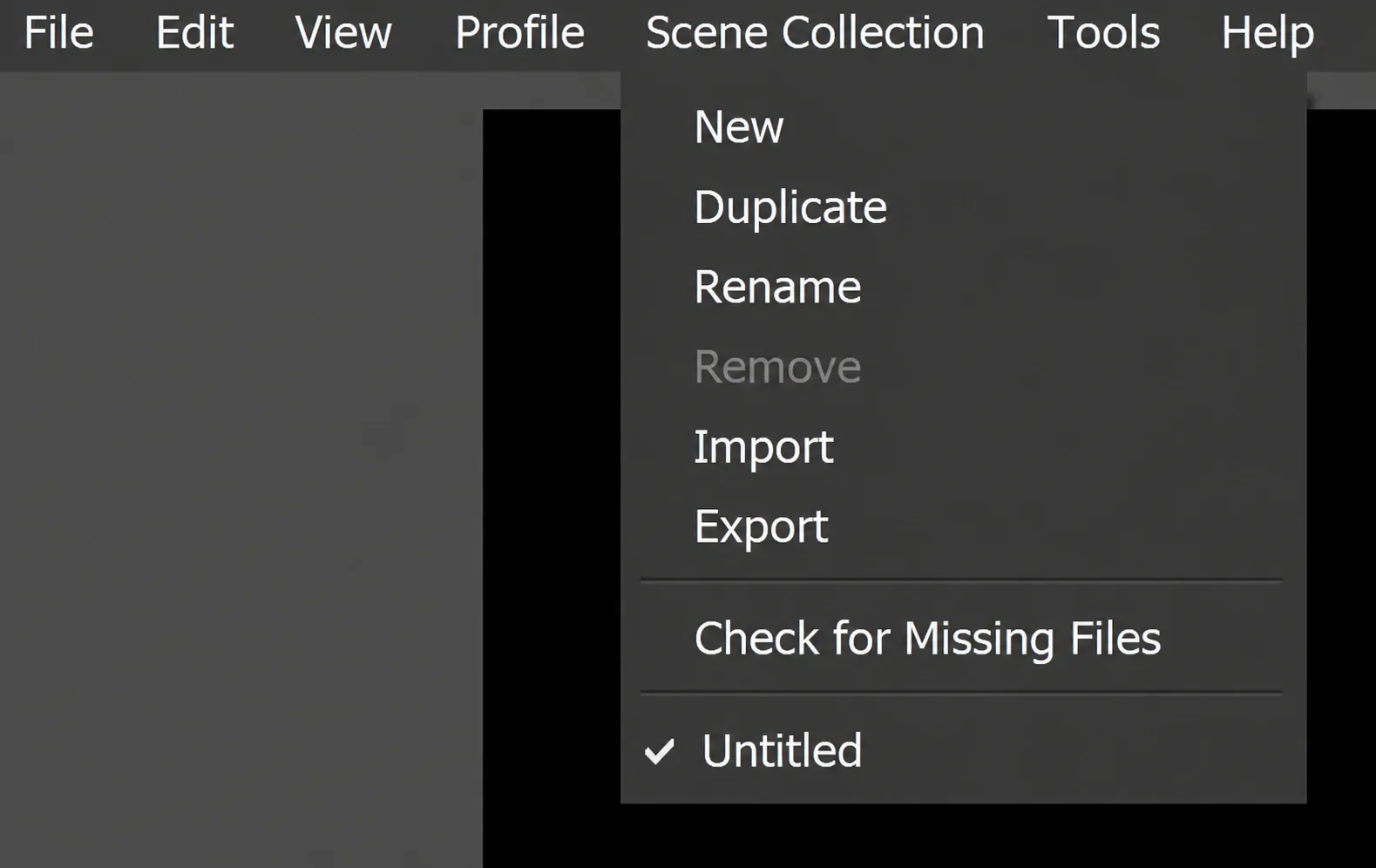
Export the scene collection separately and keep any external media it uses.


Confirm that compatible builds exist for your required plugins. Follow the update steps for the package you installed.
After updating, open the scene you use. Check the capture picture, browser content and plugin sources in the preview. Speak into the intended microphone, make a private recording, then play it back to verify sound and picture together. If monitoring matters to the job, check the headphones separately from the file: one proves the listening path, the other the recorded output.
Finish that rehearsal before the next live session. A correct preview, audible recording and expected plugin sources are more useful signs of a working update than the version number alone; the setup guides cover the next part of that path.